See your medical records
Your visits, prescriptions, reports, diagnoses and your doctors' comments, all in the app.
Your dashboard
- 1
At a glance
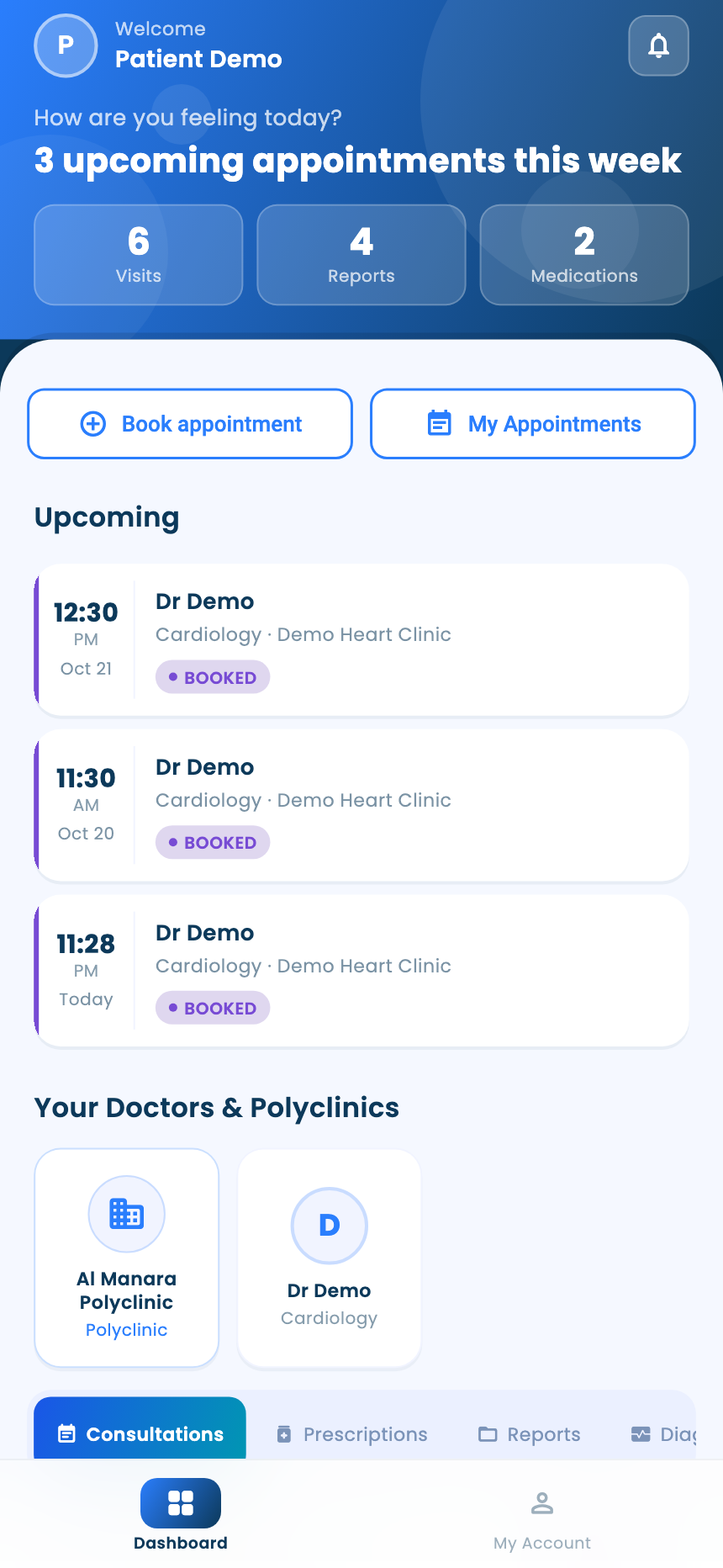
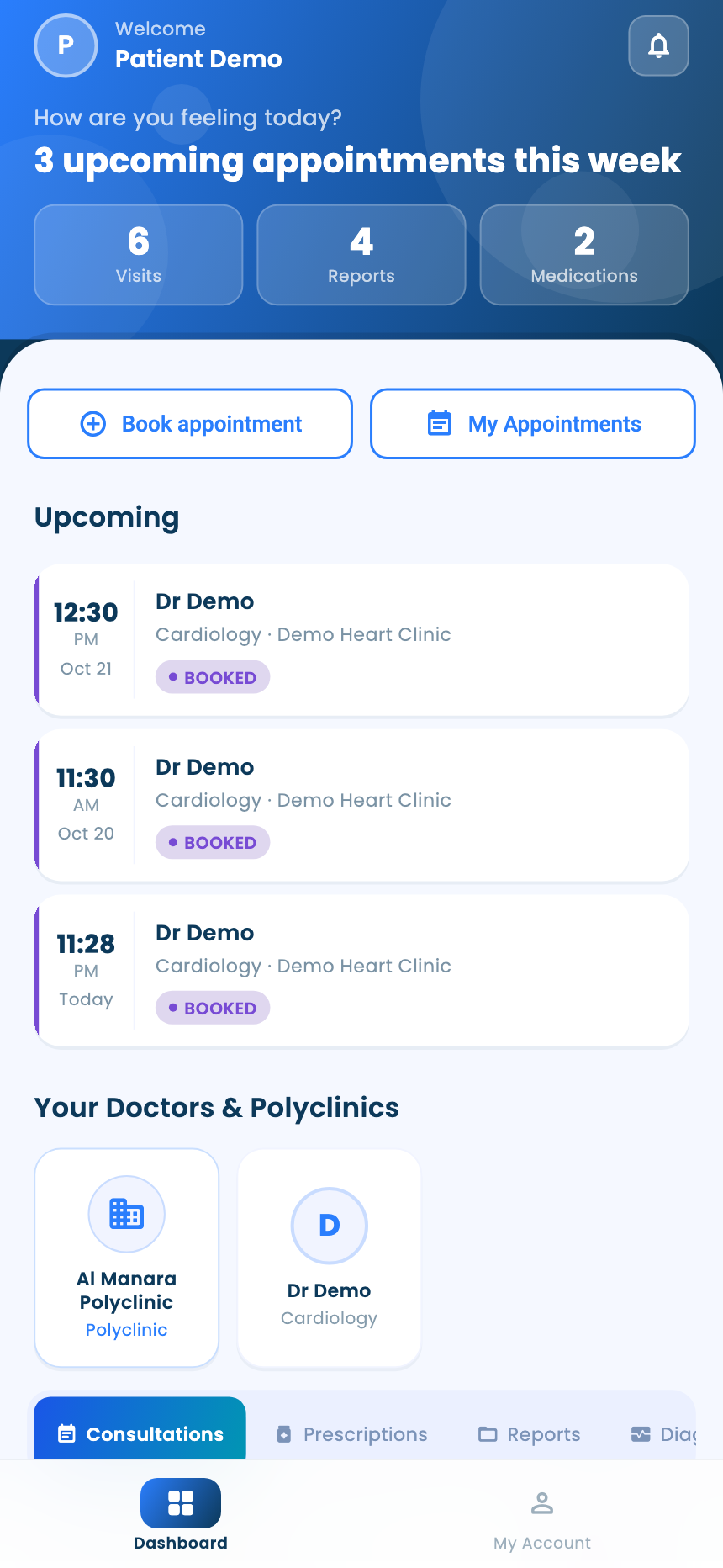
Dashboard shows your upcoming appointments, your doctors and polyclinics, and how many visits, reports and medicines you have.
- 2
Your records
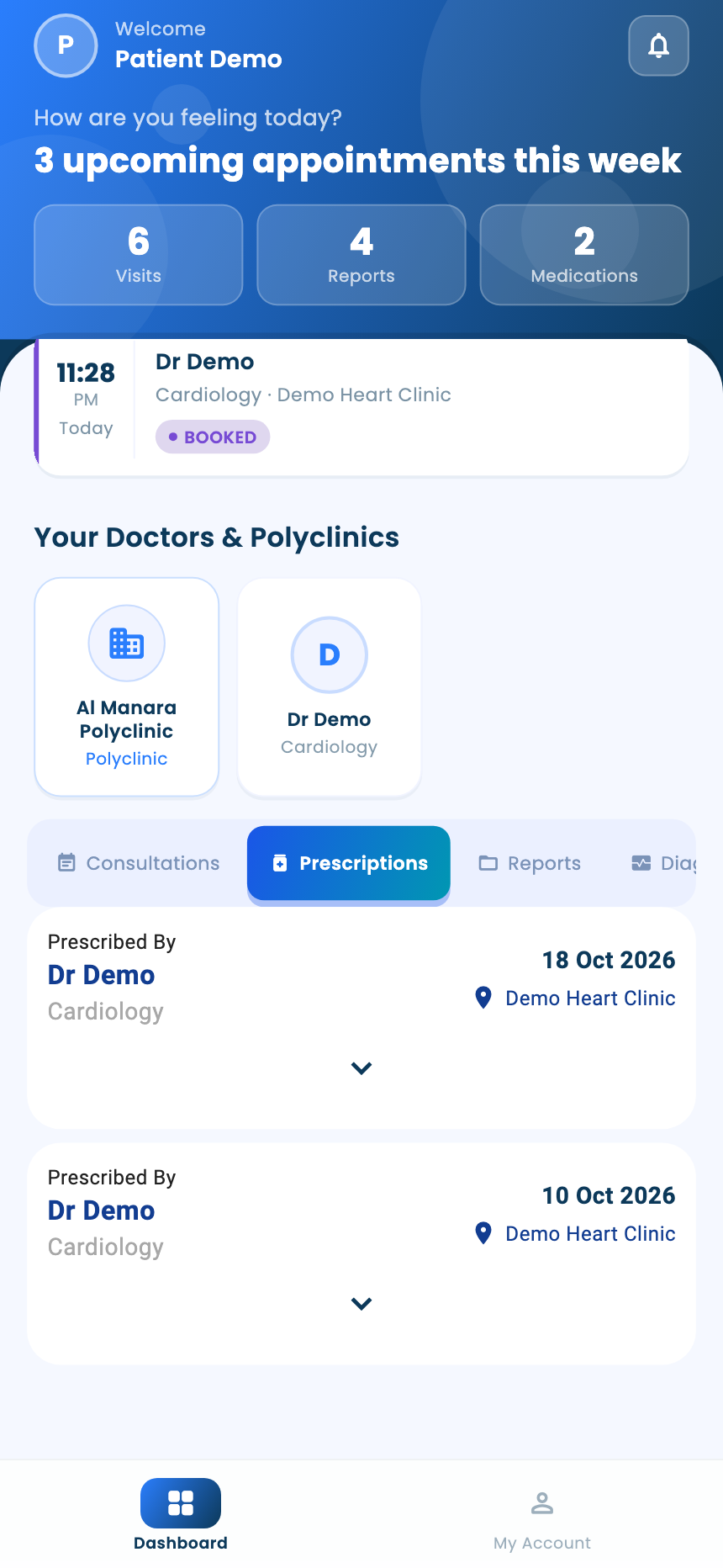
Further down are the tabs Consultations, Prescriptions, Reports, Diagnoses and Comments. Tap a doctor above them to see only that doctor's records.
- 3
Prescriptions
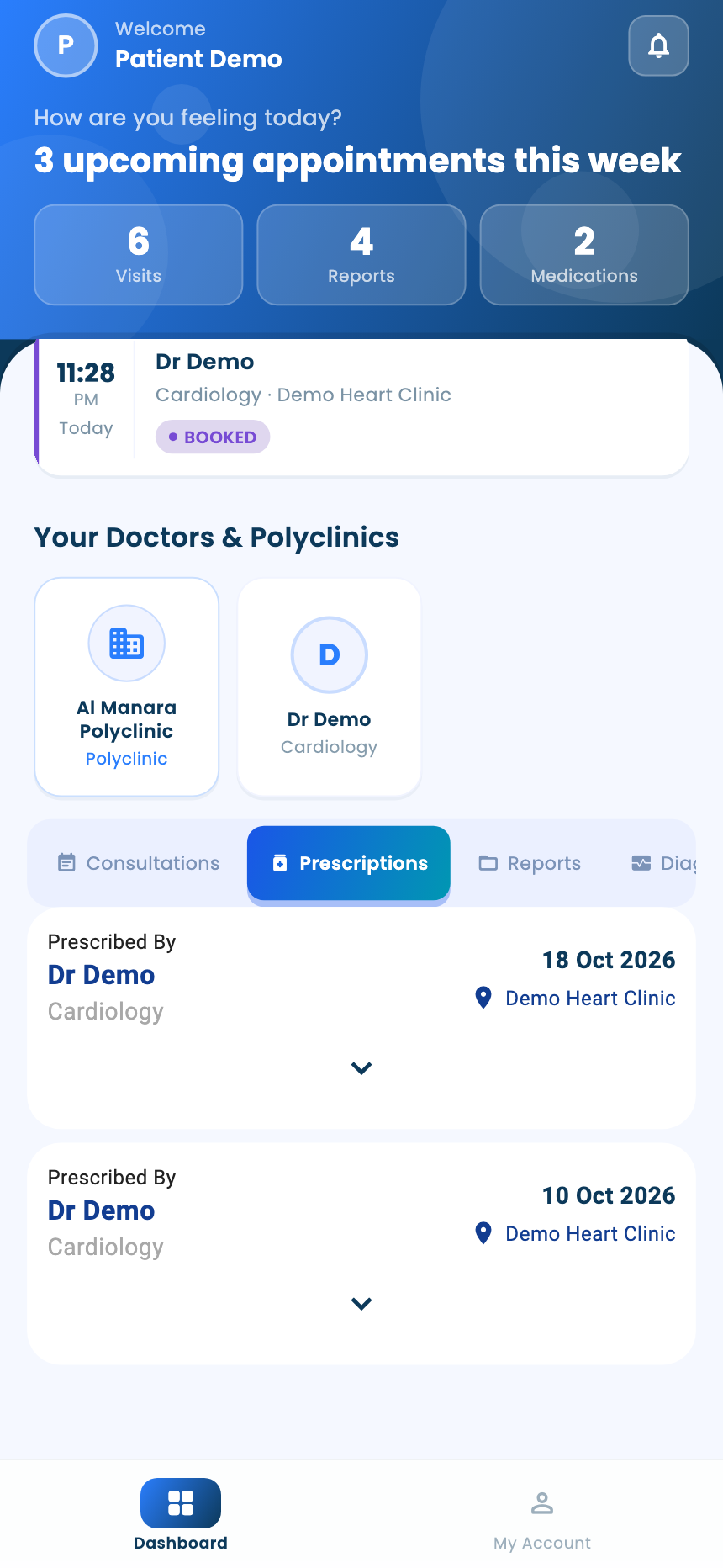
In Prescriptions, open a prescription to see each medicine, its dose and for how long. Mark as Administered records that you've taken it.
A visit
- 1
Open a visit
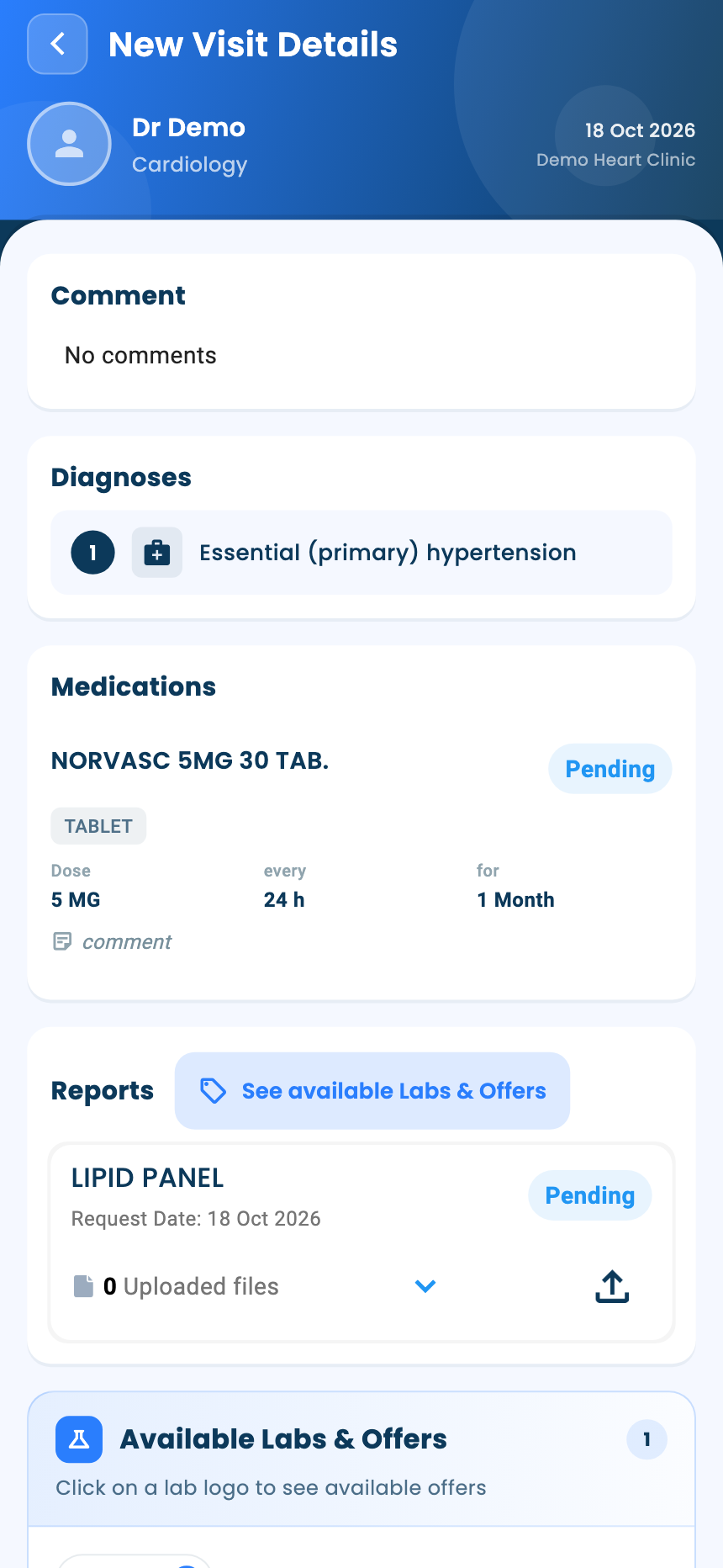
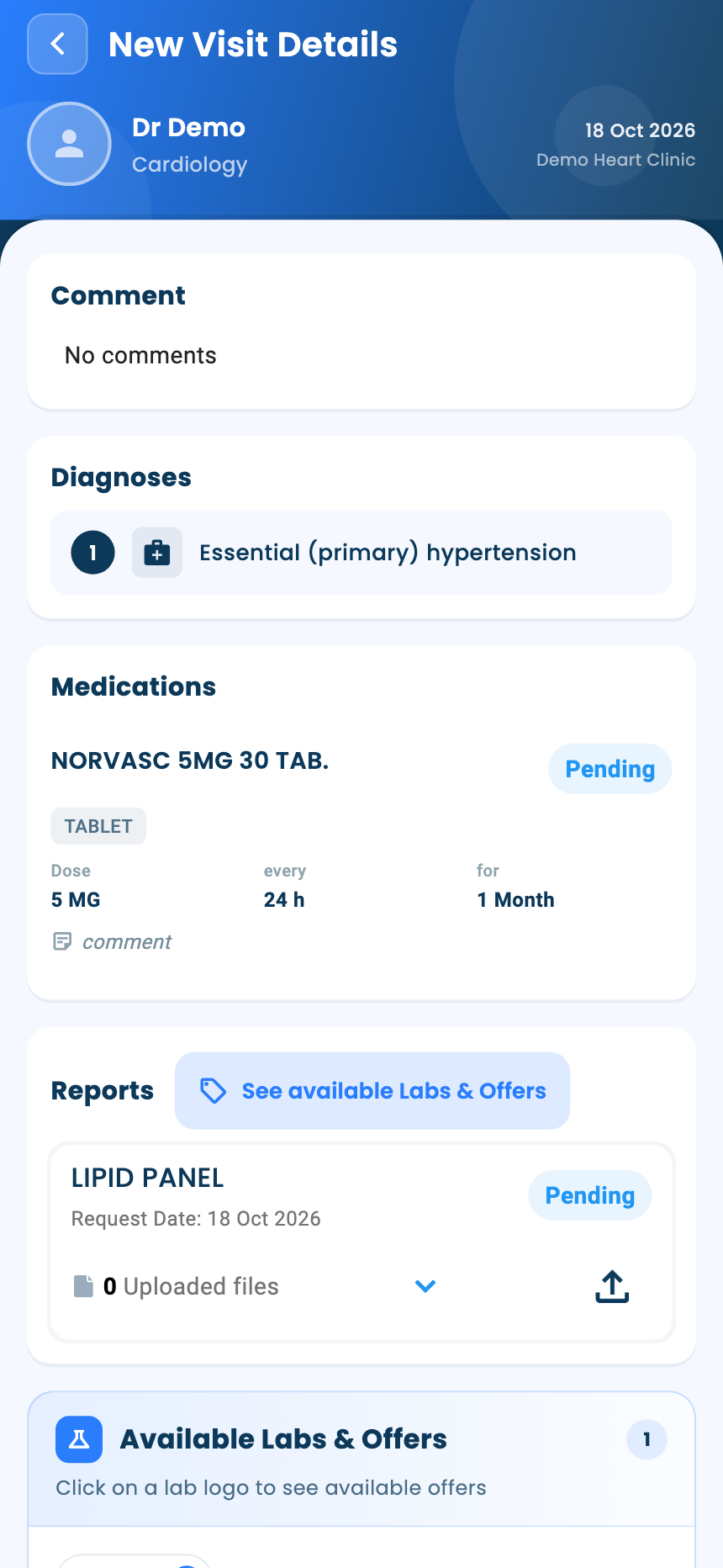
Tap a visit to see the doctor's comment, your diagnoses, medicines and the tests the doctor asked for, with labs that offer them.
- 2
Your visit summary
When a visit ends, you get a WhatsApp message with a link to its summary. The link opens in the app if you have it.
Questions and answers
How do I see one doctor's records only?
Tap the doctor above the tabs.
Where do I find a visit's summary?
When a visit ends you get a WhatsApp message with a link to its summary. You can also tap the visit to see the doctor's comment, your diagnoses, medicines and requested tests.
What does Mark as Administered do?
It records that you've taken the medicine.
What's next
Updated: 18 October 2026
Still stuck?
Our team answers on WhatsApp and email.