Set up online booking
Set your working hours and visit lengths, block time off, and share your booking link so patients can book themselves.
Your hours
- 1
Set your weekly hours
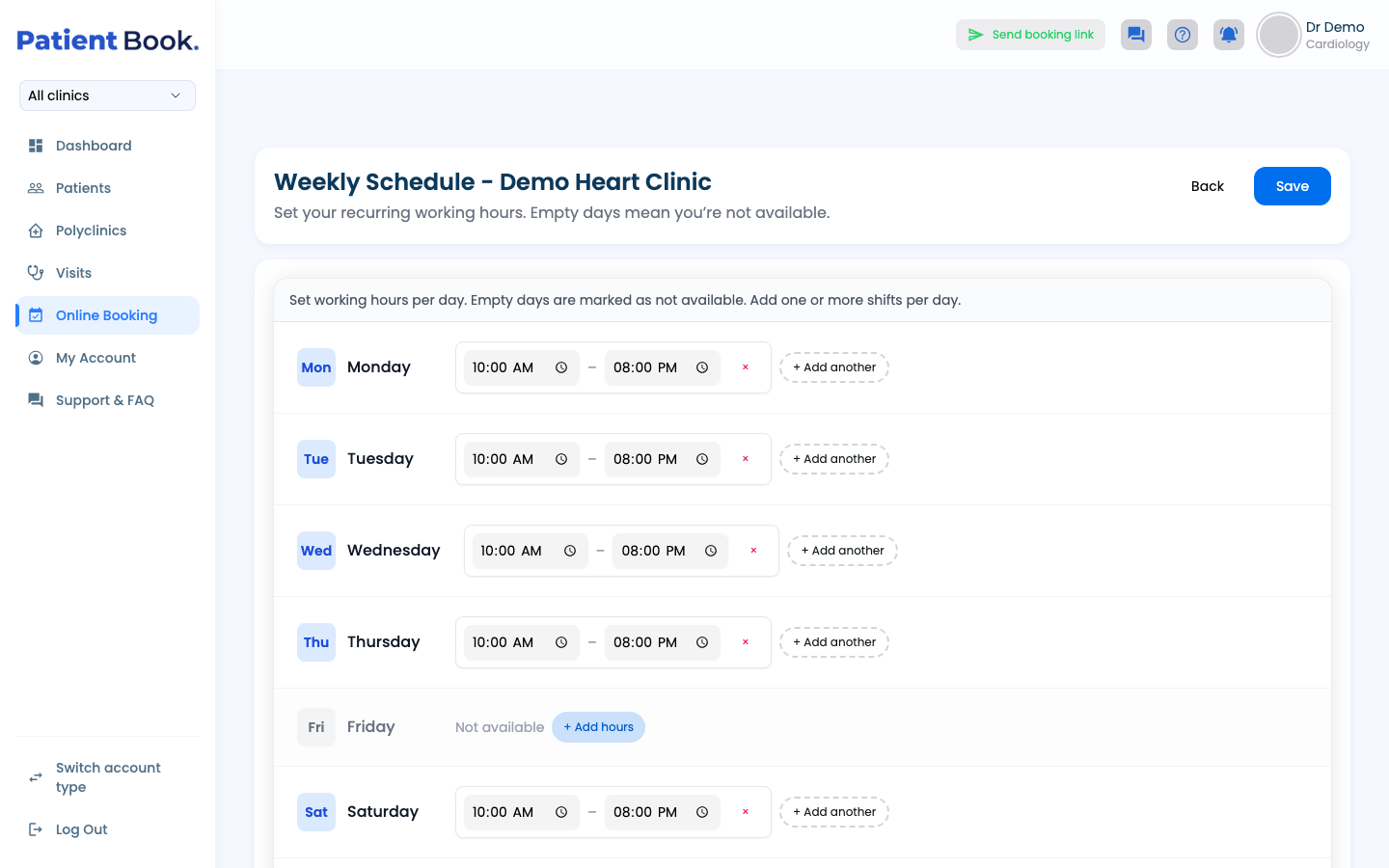
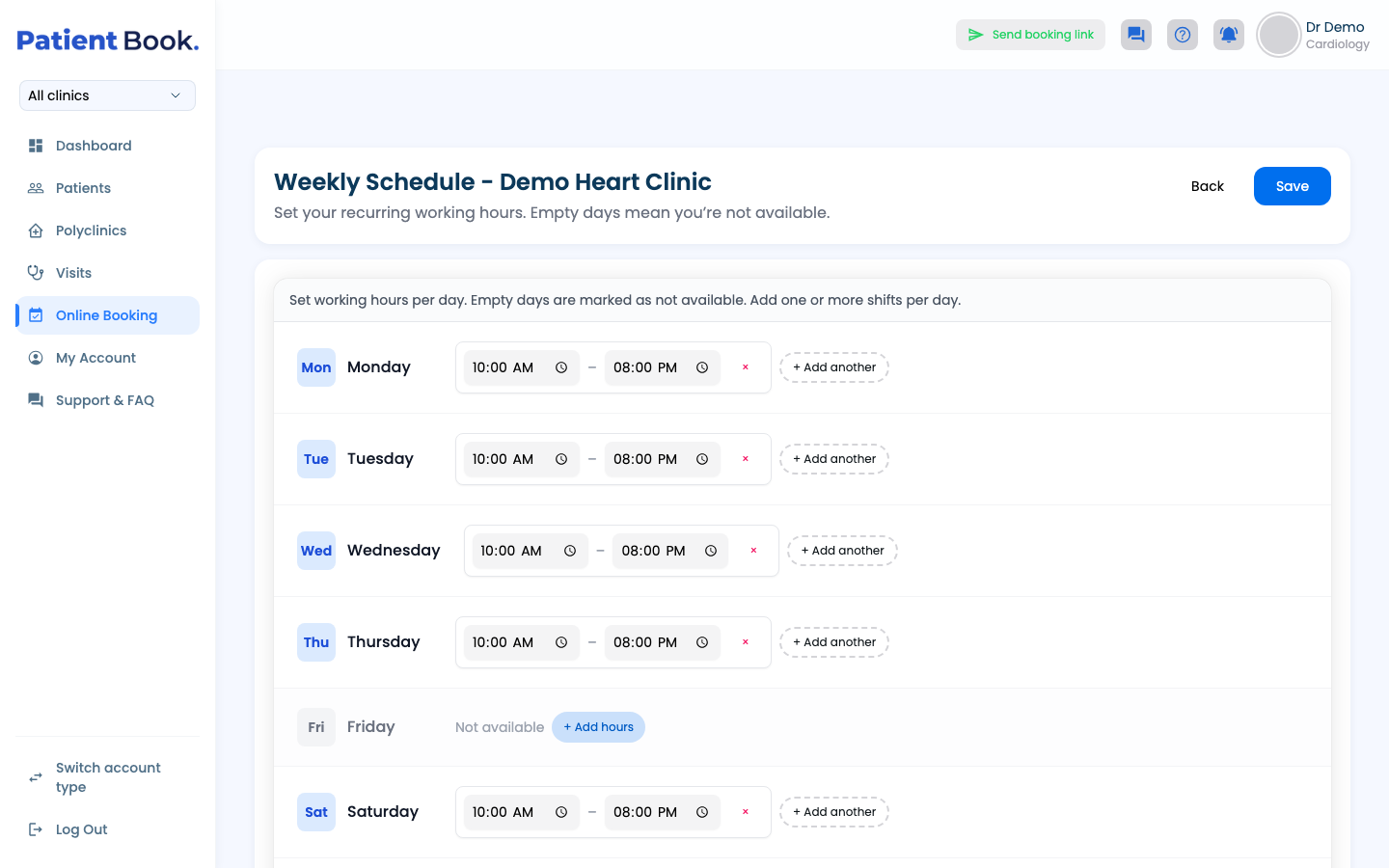
Go to Online Booking, open the settings (gear) button on the calendar and choose Weekly Schedule. For each day use + Add hours, and + Add another for a second shift. Days left empty are closed. Click Save.
- 2
Set visit lengths
Set a default length, and a length and break for each visit type.
Open Slot Durations.
- 3
Hours for a set period
For a period with different hours, such as Ramadan, add a date-range schedule. It replaces the weekly hours between its dates.
Open Date-Range Schedules. You can start from your weekly hours and then edit each day.
- 4
Block time off
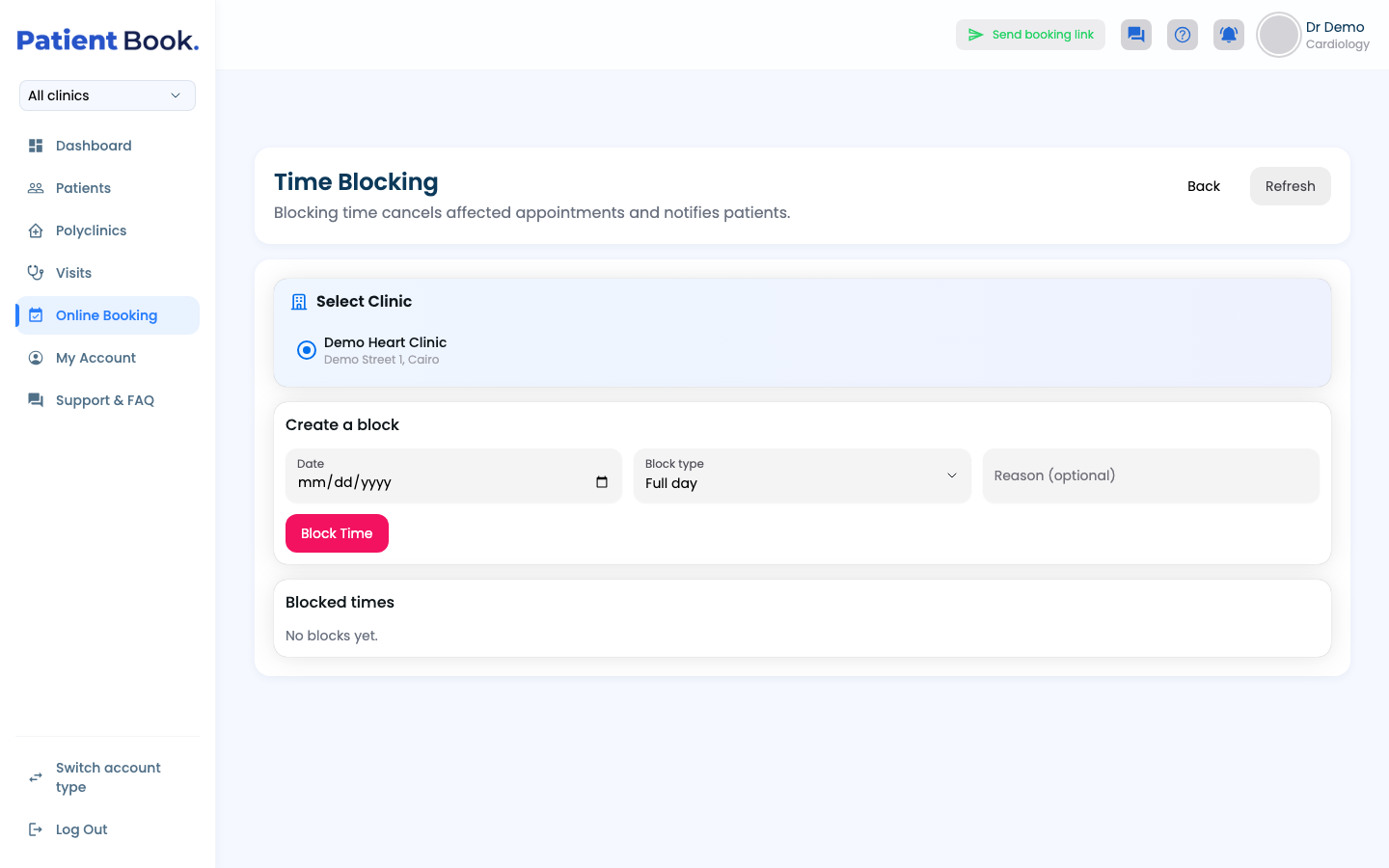
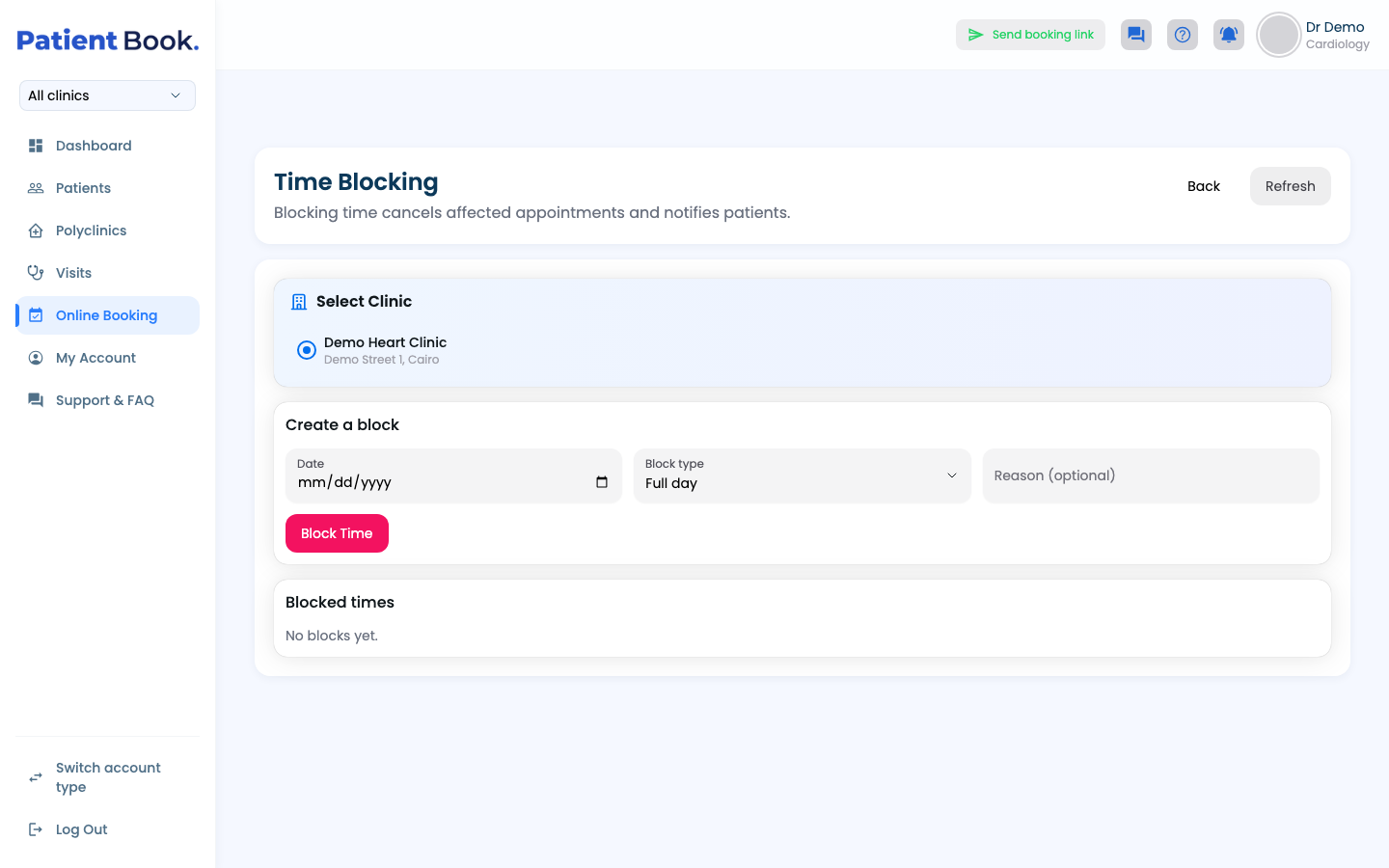
Pick a date, the whole day or certain hours, and an optional reason. Blocking cancels the visits booked in that time and tells those patients.
Open Time Blocking and click Block Time.
Your bookings
- 1
See the schedule
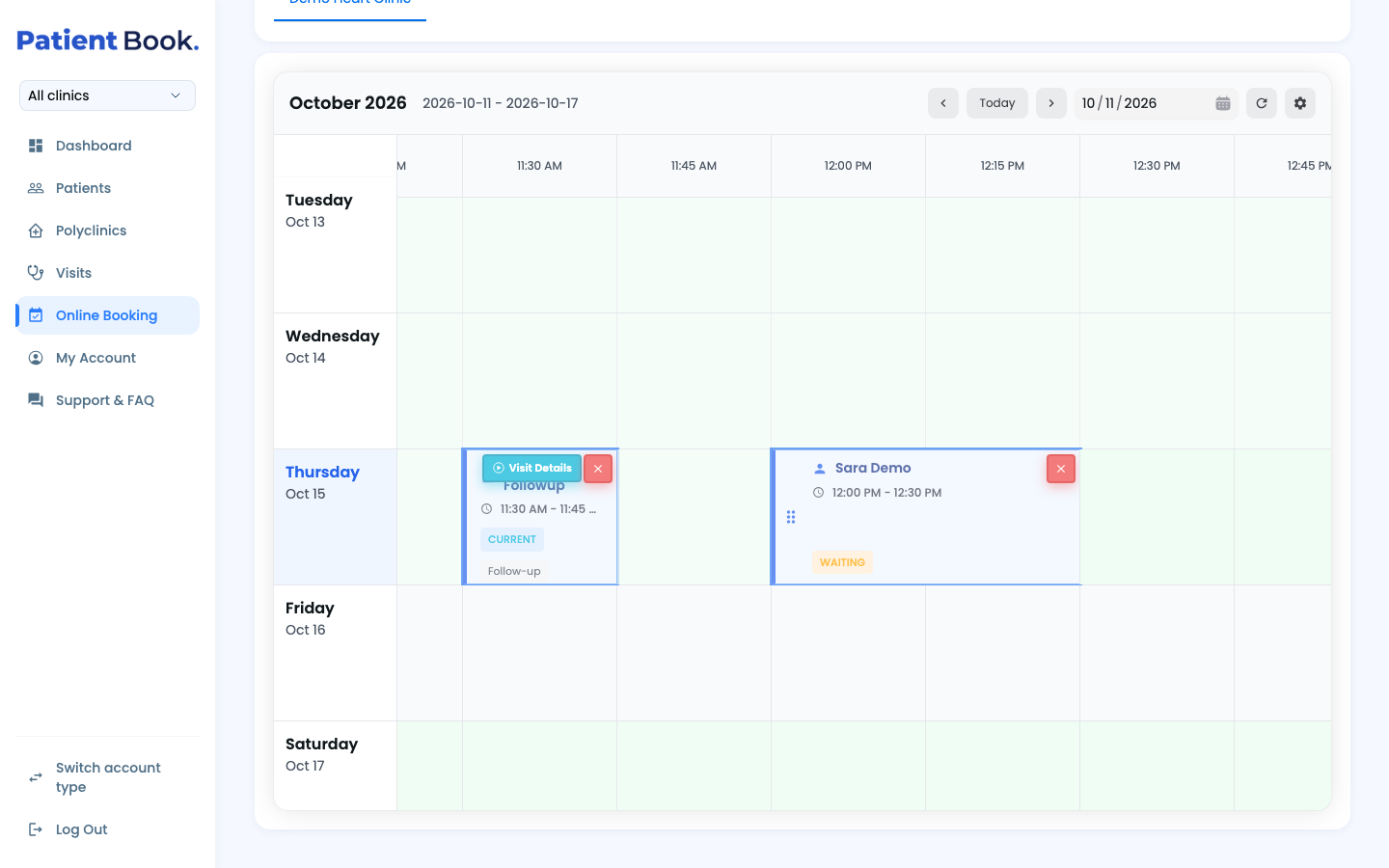
Online Booking shows the week. Click a free time to book or block it, and drag a booked visit to move it.
Your booking link
- 1
Turn on your booking link
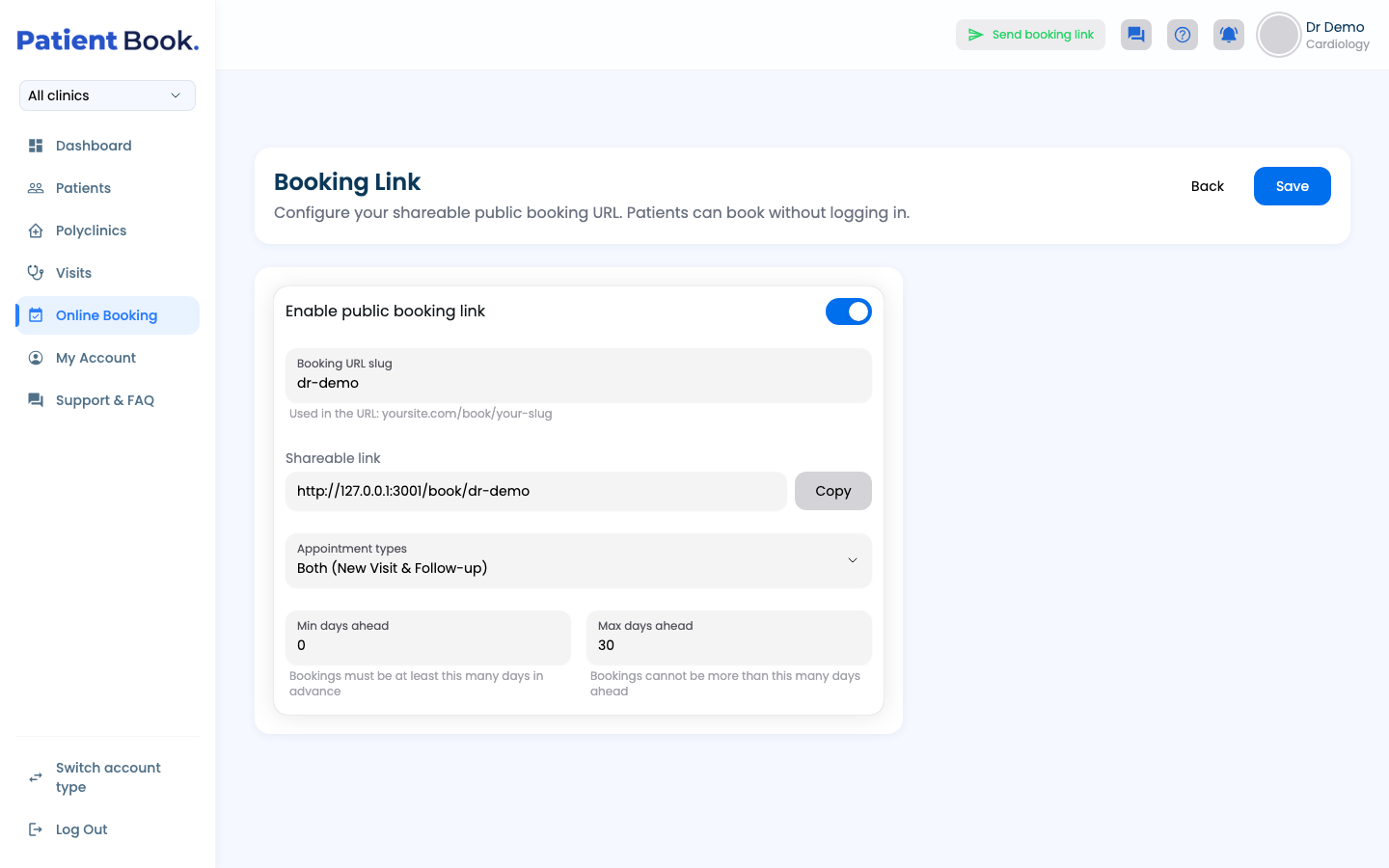
In Booking Link, turn on Enable public booking link, choose the link's name, which visit types patients can book and how many days ahead, then Save. Copy copies the link.
- 2
Send it to a patient
Patients open the link and book without signing in (see “Book an appointment”).
Click Send booking link at the top of the portal to send it on WhatsApp.
Questions and answers
What happens to booked visits when I block time?
Blocking cancels the visits booked in that time and tells those patients.
How do I set different hours for Ramadan?
Add a date-range schedule for those dates. It replaces your weekly hours between them.
Can patients book any visit type from my link?
Only the types you choose in Booking Link, and only as many days ahead as you set there.
Can I set up the booking link from the app?
No. The app can send the link on WhatsApp; turning it on and setting it up is done on the web portal.
On the web vs in the app
| What | Web portal | App |
|---|---|---|
| Booking link | Turn on, name and set it up; send it | Send it only |
| Schedule view | A week; drag to move visits | One day at a time |
| Date-range schedules | Start from your weekly hours, edit each day | Filled from your weekly hours |
What's next
Updated: 18 October 2026
Still stuck?
Our team answers on WhatsApp and email.